
 Milan Jurkulak
063778e8ce
moving down to the bar hides an open control center
Milan Jurkulak
063778e8ce
moving down to the bar hides an open control center
|
vor 3 Monaten | |
|---|---|---|
| .claude | vor 3 Monaten | |
| .github | vor 3 Monaten | |
| .run | vor 3 Monaten | |
| androidApp | vor 3 Monaten | |
| buildSrc | vor 3 Monaten | |
| compositor | vor 3 Monaten | |
| deb-packages | vor 3 Monaten | |
| desktopApp | vor 3 Monaten | |
| gradle | vor 3 Monaten | |
| ideas | vor 3 Monaten | |
| screenshots | vor 2 Jahren | |
| session | vor 3 Monaten | |
| shared | vor 3 Monaten | |
| .editorconfig | vor 3 Monaten | |
| .gitignore | vor 3 Monaten | |
| CHANGELOG.md | vor 1 Jahr | |
| CLAUDE.md | vor 3 Monaten | |
| LICENSE | vor 2 Jahren | |
| README.md | vor 1 Jahr | |
| ai-credentials.txt | vor 3 Monaten | |
| ai-done.txt | vor 3 Monaten | |
| ai-project.txt | vor 3 Monaten | |
| ai-suggestions.txt | vor 3 Monaten | |
| ai-todo.txt | vor 3 Monaten | |
| build.gradle.kts | vor 3 Monaten | |
| gradle.properties | vor 3 Monaten | |
| gradlew | vor 1 Jahr | |
| gradlew.bat | vor 1 Jahr | |
| last-ai-experiment.txt | vor 3 Monaten | |
| make-iso.sh | vor 3 Monaten | |
| qodana.yml | vor 1 Jahr | |
| run-iso-qemu.sh | vor 3 Monaten | |
| settings.gradle.kts | vor 3 Monaten |
README.md
Mjdev Desktop
An kotlin compose desktop environment like DDE Desktop. New desktop environment with many functionality i miss in another desktops. Build on compose kotlin and jvm, multiplatform, for android, web & desktop.
(Currently only linux os is supported as main target)
functionality about to be and or implemented:
- lightweight, no memory/cpu eater, as much as possible
- animated/gif/video/any image wallpapers (from default dir, extendable)
- all what can be animated -> animated (just woow effect, not realy everything)
- auto-hide all things when user is working, avail whole screen-space (as much as possible)
- dynamic background (user can turn on/off)
- adaptive dynamic color of whole system when ( background change and user does not override colors)
- adaptive dynamic system (gtk/gnome) theme auto-generation
- control panel with all system settings on left (modal window), include custom pages
- configurable desktop panels
- state icons customizable (status tray)
- configurable left menu (full screen will be included)
- custom desktop widgets, animated
- api for developers to avail them to create widgets & etc, remote views
- material design icons, overridable with one file, iconic font file - ttf
- custom control panel pages
- ai page in control panel & ai integrated to os
- scriptable extensions
- installable from one standalone package
- multiplatform support (android, linux, windows)
- support for themes & customization
- one click solution for non-technical users
- autoconnect and show android device on desktop
- stt / tts a.i.
- iot support
- connect to another desktop to share files (p2p)
- no files on desktop (only links, user invisible action. all will be placed in home folder, as it should be)
- ai typing helper like copilot from desktop documents (secure, offline)
- custom apps api
screenshots
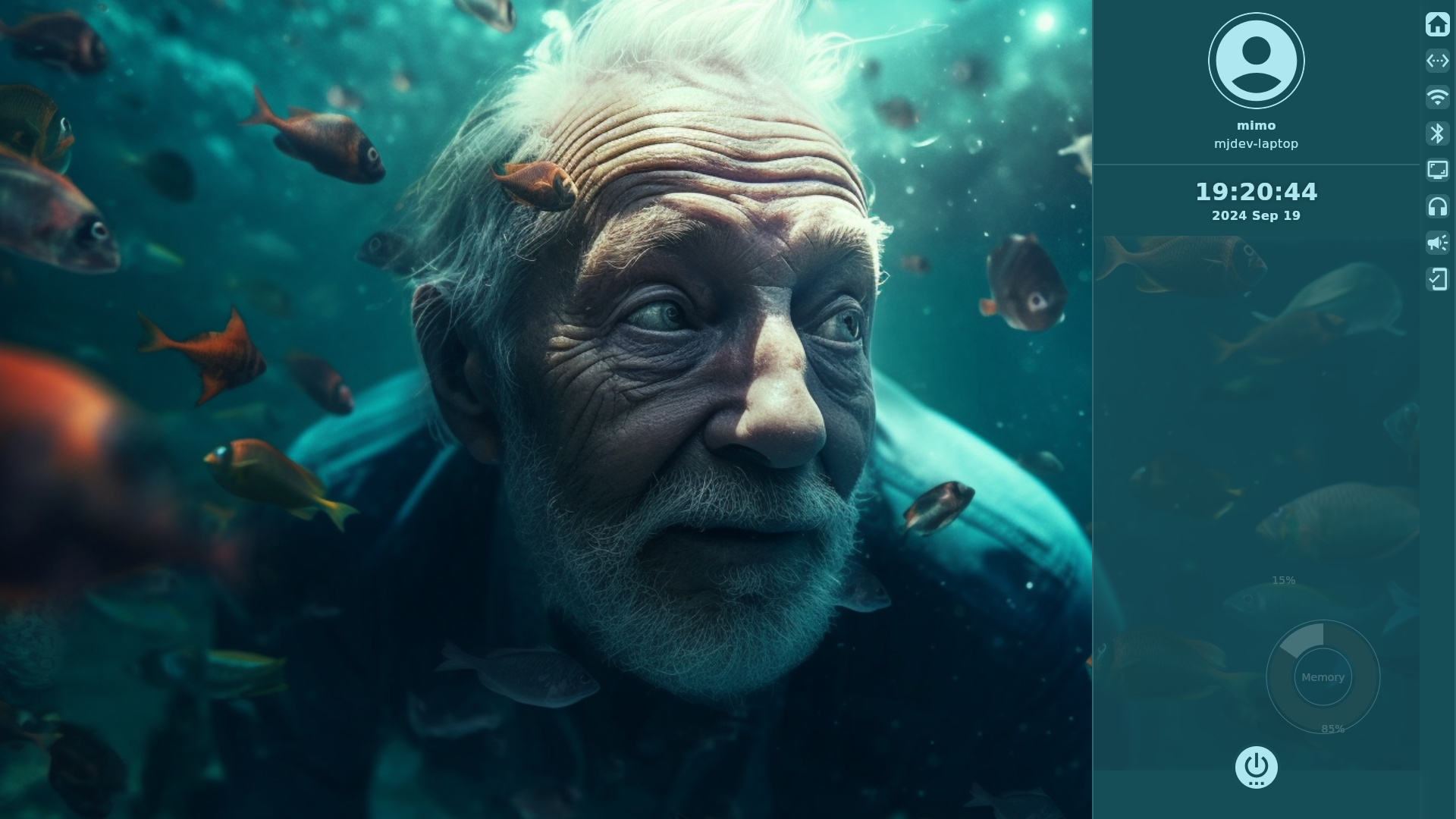
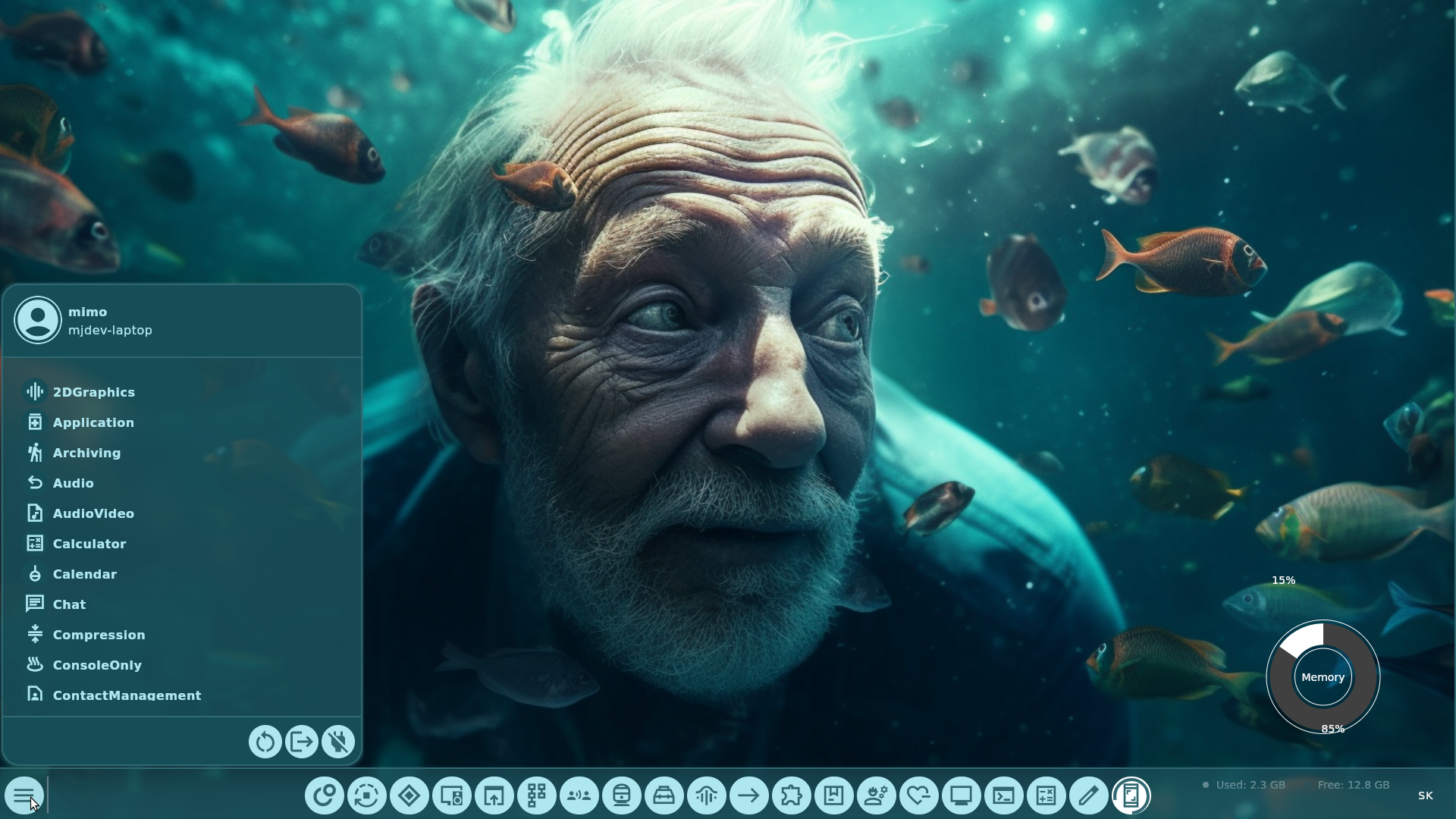
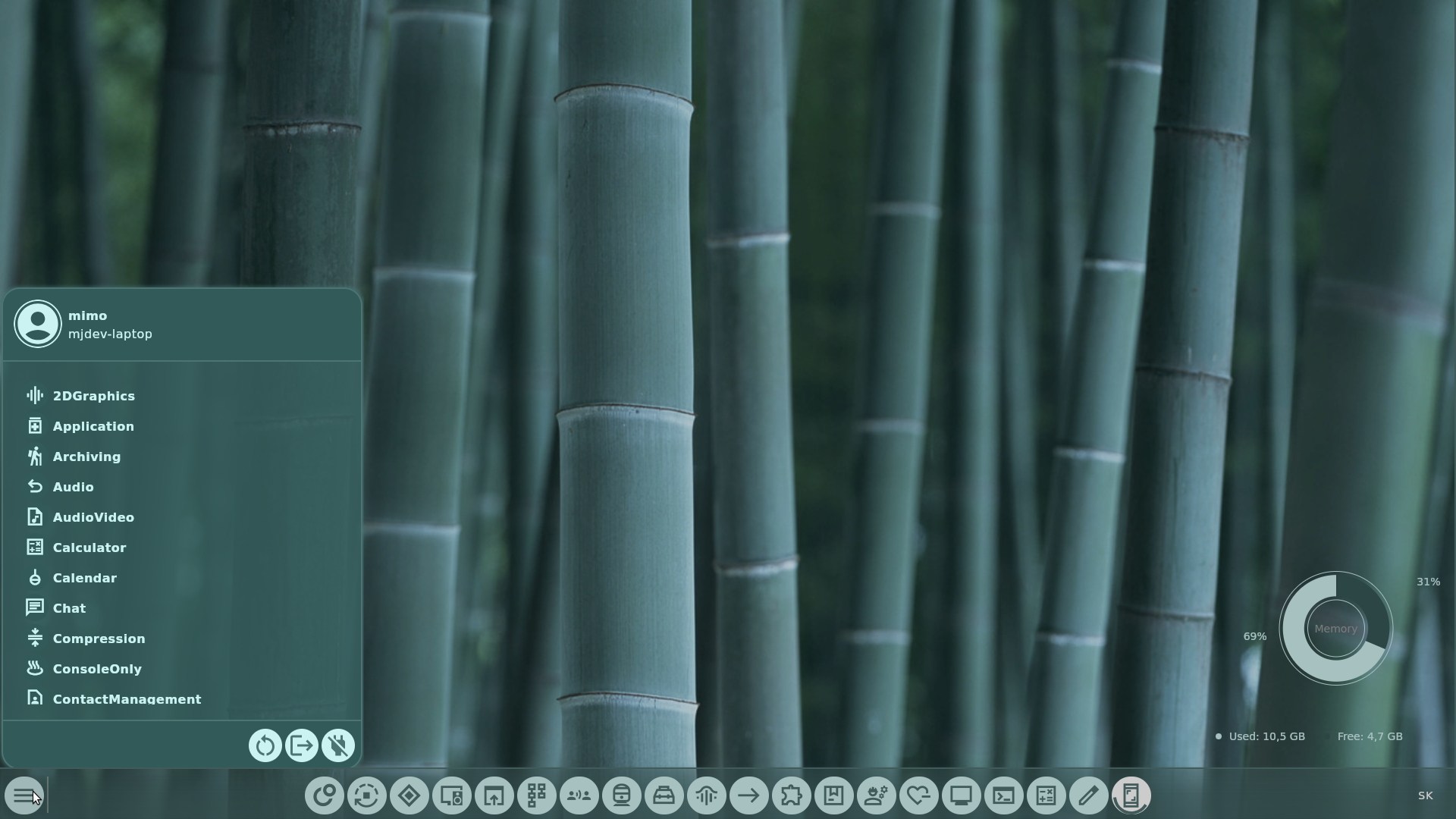
build
- import to intellij idea
- click run or build (or select from run dialog what you want to do)
used libraries
- Jetbrains Compose Desktop Main library for to made app
- Ini4J Parse Desktop Files
- OkHttp For images & for future use (weather/ external apis)
- Coil Image loader
- Coroutines Swing Coroutines in JVM
- FuzzyWuzzy Fuzzy search
- Thechance101 Chart Compose charts
- Shreyaspatil Generative AI AI support
- jna Load external libraries, for X11/Wayland
- Alexzhirkevich Grose QR code & Bar code (easy connect pc & mobile / Wifi share)
- Marc Apps TTS TTS support
- Hypfvieh DBus DBus support
- Kevinnzou Compose Webview Widgets with web view
- Mozilla Rhino Custom scripting & widgets code
- Bytedeco FFMpeg Video wallpapers & widgets